



Prometheus
Connecting NeuBird to your Prometheus instance enables collection of metrics telemetry for real-time monitoring of key performance indicators and resource utilization.
Prerequisites
Section titled “Prerequisites”-
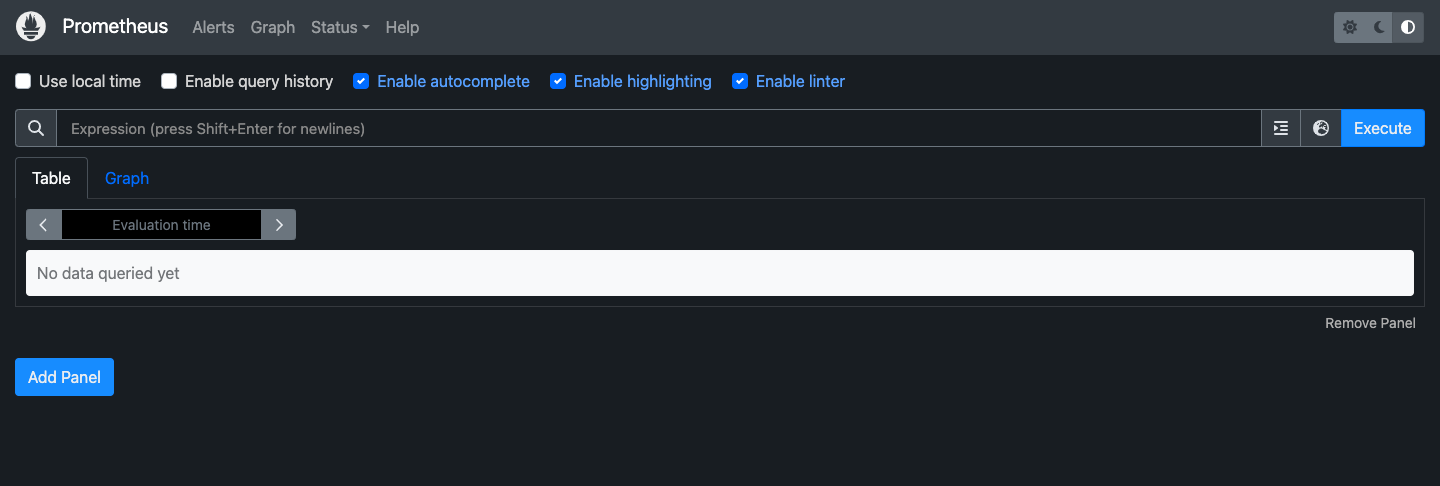
Running Prometheus instance — If you don’t have one, follow the official setup guide.
-
API accessibility — Verify the Prometheus API is reachable:
Terminal window curl http://<prometheus-server>:9090/api/v1/targets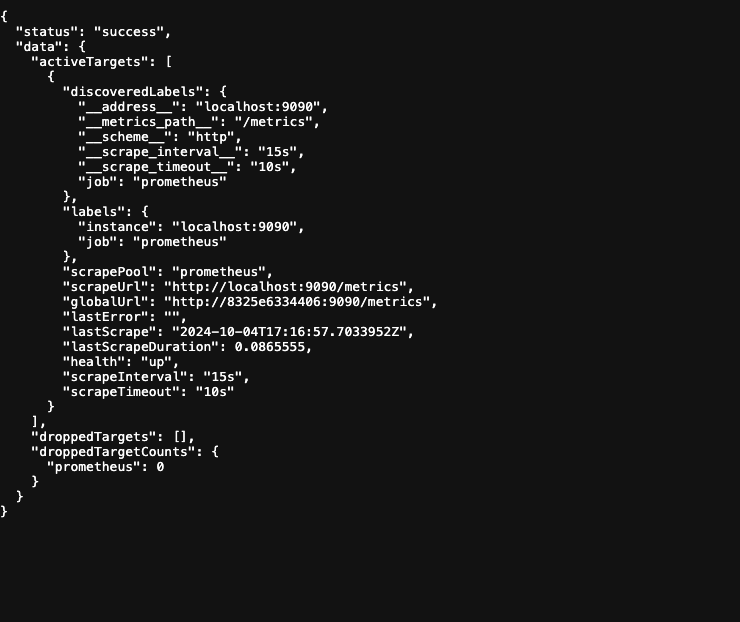
This should return a list of targets being monitored. If the API is not accessible from the internet, you may need to configure network access or use Teleport for private endpoints.
-
Gather your URL — You’ll need the Prometheus server URL, e.g.
http://<prometheus-server>:9090.
Connection Fields
Section titled “Connection Fields”| Field | Required | Description |
|---|---|---|
| Name | Yes | A descriptive name for this connection |
| Description | No | Optional note about what this connection is for |
| URL | Yes | Prometheus server URL, e.g. http://<prometheus-server>:9090 |
| Auth Token | No | Base64 of username:password when Prometheus is configured with --web.config.file authentication or sits behind an auth proxy |
Auth Token (optional)
Section titled “Auth Token (optional)”Leave Auth Token blank when your Prometheus endpoint is reachable without authentication, which is typical for internal-only installs.
When the endpoint does require credentials, NeuBird authenticates with HTTP Basic. The field is not a token in the usual sense: it is the base64 encoding of username:password — the part of a Basic header that follows the word Basic. NeuBird sends it verbatim:
Authorization: Basic <your Auth Token>-
Create a dedicated credential for NeuBird with read access, rather than reusing an operator login. A dedicated credential keeps NeuBird’s access to reads only, makes its queries identifiable in your access logs, and lets you revoke it without disturbing anyone else.
-
Confirm it works against the Prometheus API:
Terminal window curl -u 'USERNAME:PASSWORD' http://<prometheus-server>:9090/api/v1/targets -
Encode the pair and paste the whole output as the Auth Token, without the word
Basic:Terminal window printf '%s' 'USERNAME:PASSWORD' | base64
For general instructions on creating and managing connections, see the Connections Overview.